> For the complete documentation index, see [llms.txt](https://helps.ptengine.com/llms.txt). Markdown versions of documentation pages are available by appending `.md` to page URLs; this page is available as [Markdown](https://helps.ptengine.com/faq/others/csp-policy.md).
# Content Security Policy(CSP)にエラーが出た場合
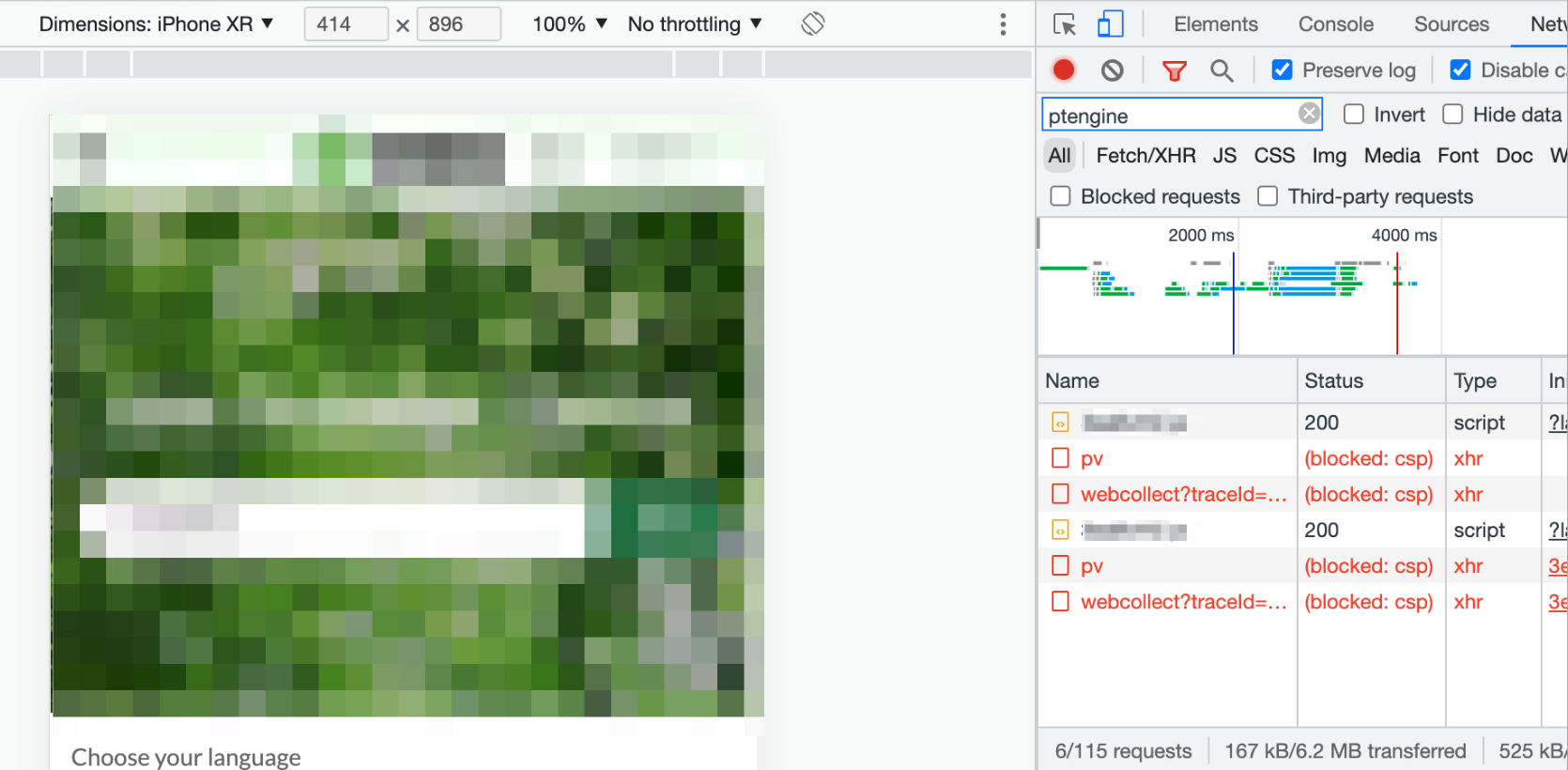
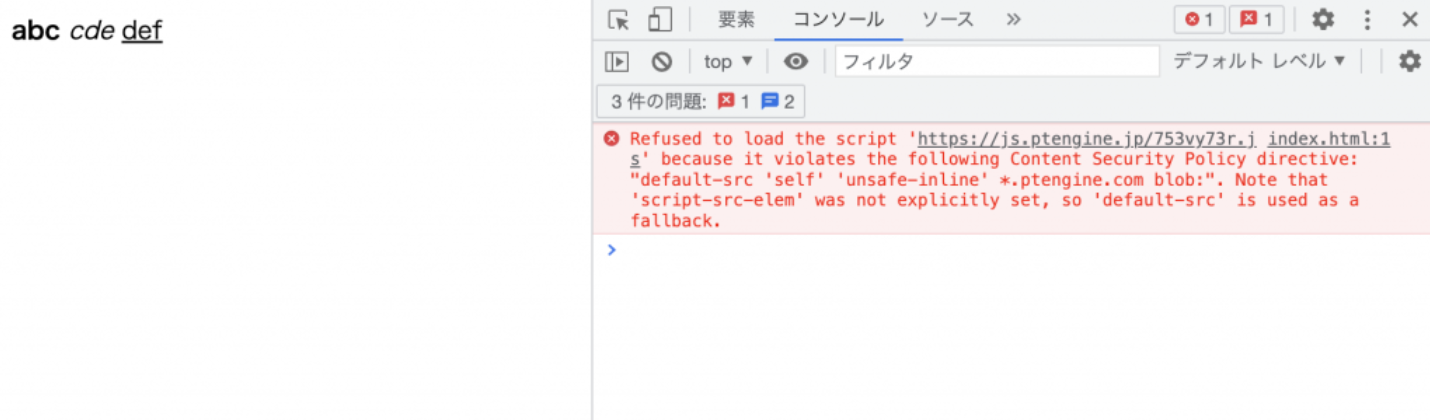
サイトにタグを設置し[発火の確認](https://helps.ptengine.com/faq/start-guide/check-tag-firing)をした際に Content Security Policy(CSP)のエラーが出た場合、こちらの記事を参照いただき、ホワイトリストに Ptengine のドメインを追加してください。
エラー画面
 ## `default-src` のみ設定している場合
`unsafe-inline`、`*.ptengine.jp`、`*.ptengine.com` の3つが必要です。
```
```
## メディア毎に CSP を設定している場合
以下のテーブルを参考してください。
| メディア | ポリシー |
| ----------- | ----------------------------------------------------- |
| script-src | `'self' 'unsafe-inline' *.ptengine.jp *.ptengine.com` |
| style-src | `'self' 'unsafe-inline' *.ptengine.jp *.ptengine.com` |
| connect-src | `*.ptengine.jp *.ptengine.com` |
| img-src | `*.ptengine.jp *.ptengine.com` |
| frame-src | `*.ptengine.jp *.ptengine.com` |
```
```
## `default-src` のみ設定している場合
`unsafe-inline`、`*.ptengine.jp`、`*.ptengine.com` の3つが必要です。
```
```
## メディア毎に CSP を設定している場合
以下のテーブルを参考してください。
| メディア | ポリシー |
| ----------- | ----------------------------------------------------- |
| script-src | `'self' 'unsafe-inline' *.ptengine.jp *.ptengine.com` |
| style-src | `'self' 'unsafe-inline' *.ptengine.jp *.ptengine.com` |
| connect-src | `*.ptengine.jp *.ptengine.com` |
| img-src | `*.ptengine.jp *.ptengine.com` |
| frame-src | `*.ptengine.jp *.ptengine.com` |
```
```